Your whole building, explained.
Kovva is not a noticeboard or yet another group chat. It is the information your property manager already holds, sorted and written in a language people actually speak.
Where the figures come from
Kovva does not invent data and does not ask you to type it in. It plugs into whoever already has it.
-
1
Your property manager comes on board
The building keeps the manager it has today. Kovva is the window they show their work through, not a change of manager.
-
2
Bills, readings and accounts are loaded
The same numbers already on your bill and in the building’s books, each one backed by the invoice or the meter reading behind it.
-
3
You sign in for your home
You see yours and your building’s. Not your neighbours’, and not what your role in the building does not entitle you to.
-
4
And there is nothing left to go looking for
What used to be two emails, a PDF and a phone call now takes two seconds. The rest of the time Kovva leaves you alone.
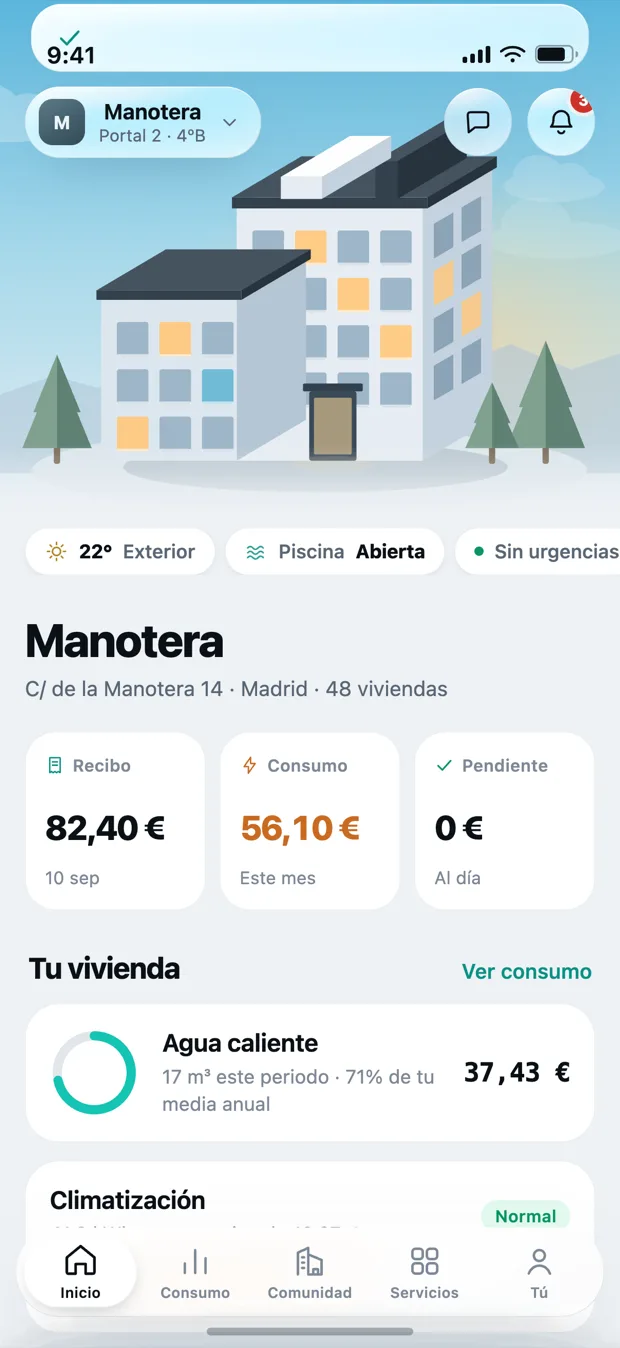
The home screen tells you how the month is going.
Nothing to search for and nothing to open: the next bill, what you have used so far and whether anything is outstanding.
- The next bill, with its date and its amount.
- This month’s usage in pounds and euros, not cubic metres.
- Whether you are up to date or something is pending.
- If there is an emergency in the building, it sits at the top.
Three things you will never have to do again
Decode a bill
Every amount is broken into its parts, with the reading or the invoice that justifies it. If it goes up, you will see why before you have to ask.
Ring up about a repair
Every issue has a published status: who is handling it, when they are coming and what happened last time.
Ask permission to see the accounts
The building’s money belongs to its owners. It is in plain sight, without waiting for the December meeting.
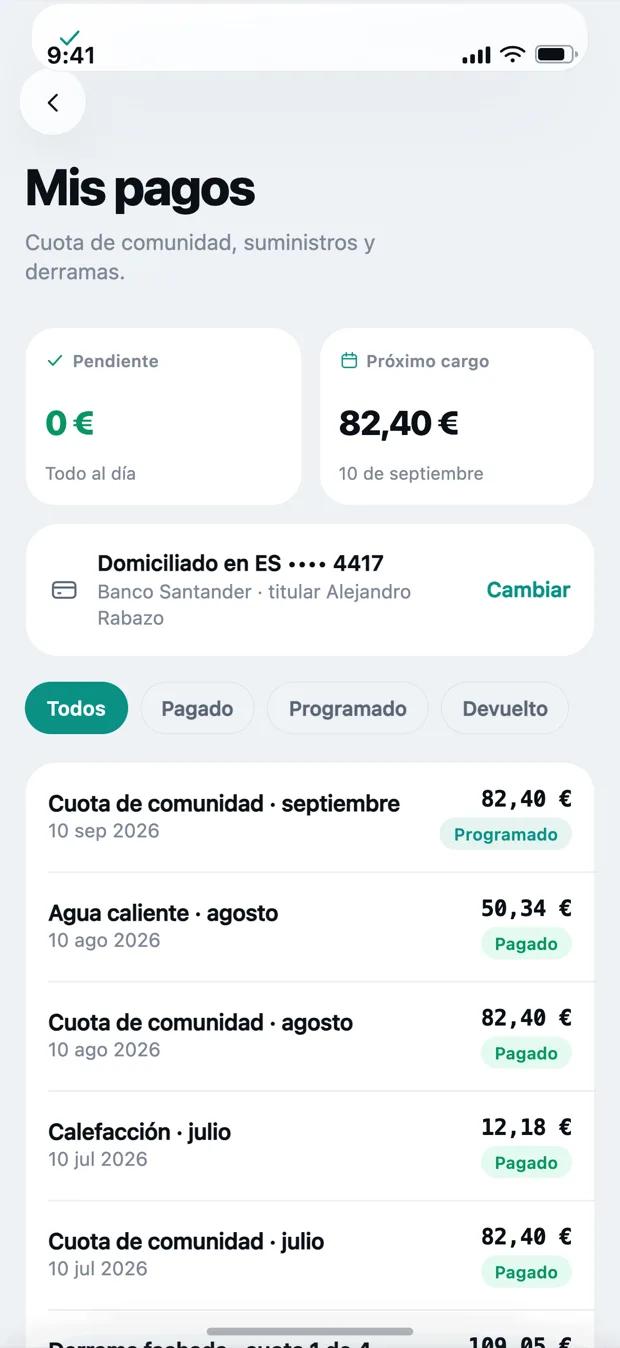
Everyone sees their own, and nothing else.
Kovva tells owners, tenants and management apart. It is not a shared folder where everything is there for everyone.
- The owner sees their bills, their usage and the building’s accounts.
- The tenant sees what affects them: usage, repairs and notices. Not the books, not the minutes.
- Nobody sees another home’s data. Not the balance, not the usage, not the debt.
The same as today, without hunting for it
None of this is new. It all exists in your building already; what changes is how much it costs to get to it.
- Emailing the manager and waiting two days
- A thirty-page PDF the afternoon before the meeting
- A bill with three lines and no explanation
- Hearing about the breakdown in the neighbours’ chat
- Seeing the accounts once a year, if you attend
- Checking it on your phone
- Every agenda item with its paperwork, from the moment it is called
- The breakdown and the reading behind it
- The status published, with who is on it and when
- The budget as it is actually spent, all year
Your building’s information already exists. What does not exist is a decent way to look at it.
That is exactly what Kovva does, and it does not do much more.What Kovva is NOT
Almost everything people fear about an app like this, we do not do.
No wall and no neighbour chat. You already have one and you do not need another with somebody’s logo on it.
It does not sign off accounts, call meetings or answer to the building. That stays theirs.
The advance poll helps you arrive informed. The valid vote is whatever your bylaws say it is.
No advertising and no third parties. The detail is on the security and data page.
Shall we show Kovva to your building?
Tell us which building it is and who manages it. We will reply with what it would take, no strings attached.