The site explains it. The app does it.
Kovva lives on each neighbour’s phone. Here is what it does, how you get in and what your building needs for it to work.
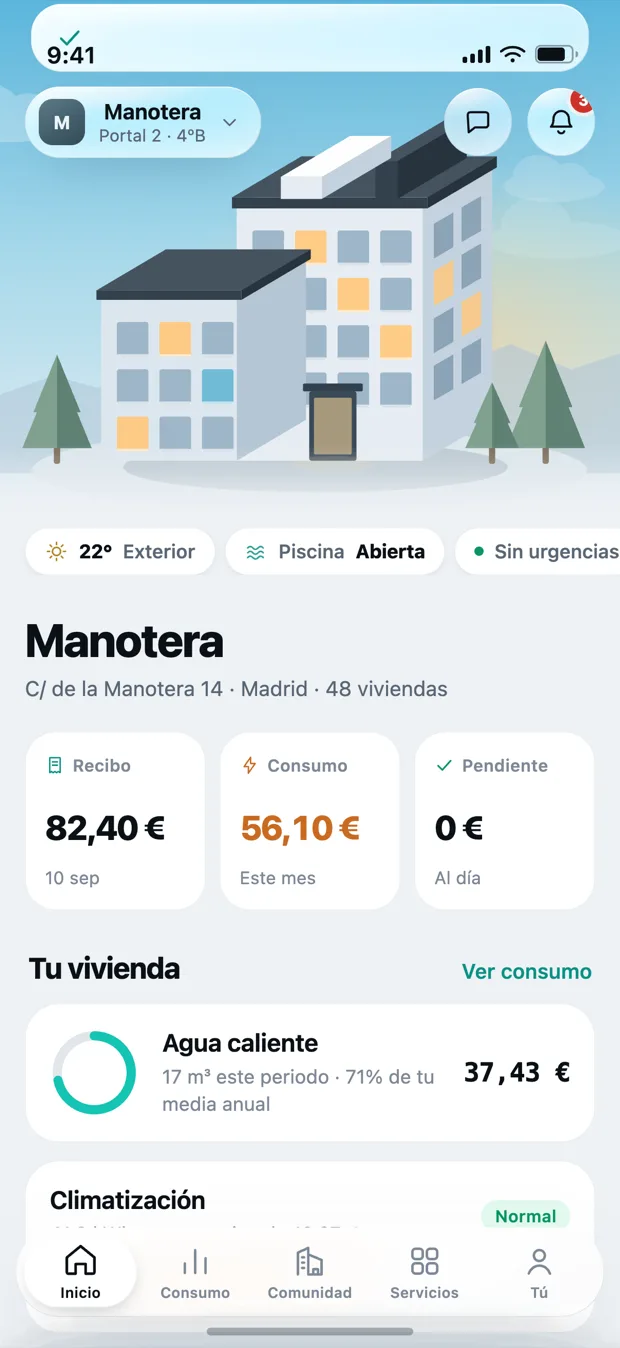
Everything fits in five places.
If it needs a manual, it is badly designed. Kovva splits into five tabs and there is no sixth one hiding.
- Home: how the month is going, in two seconds.
- Usage: your readings turned into euros.
- Building: accounts, issues and meetings.
- Services: bookings, access and suppliers.
- You: your details, your payments and your notices.
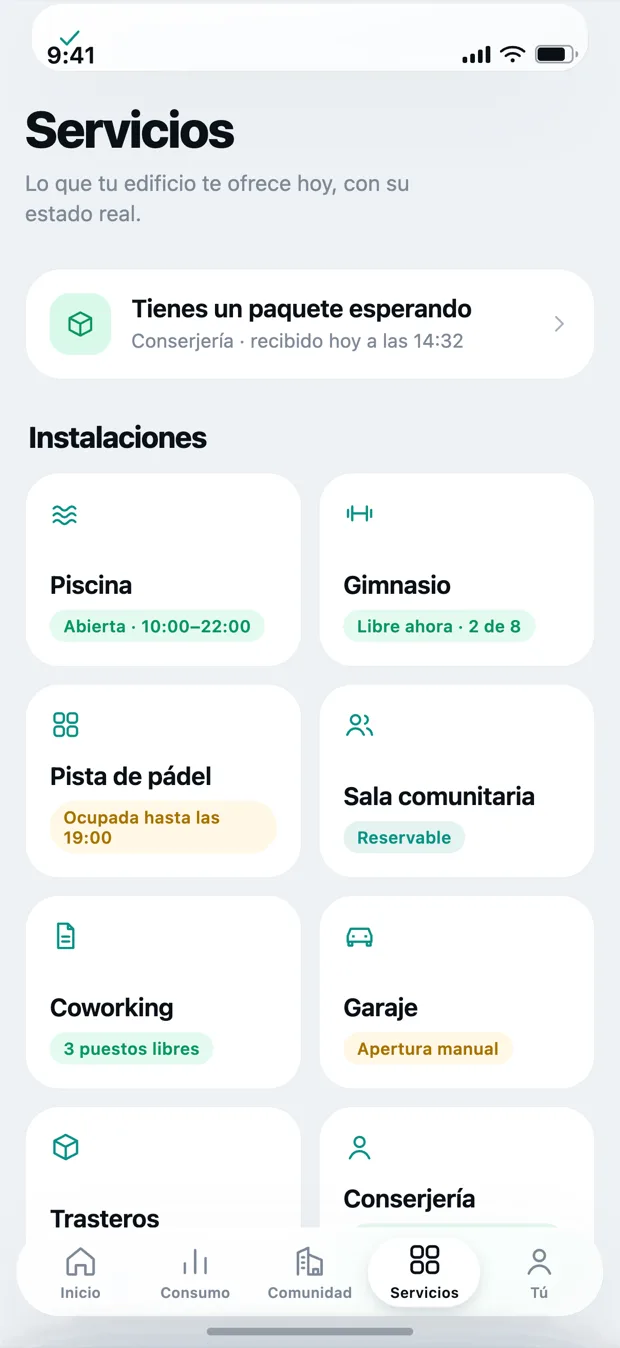
What your building needs to start
Less than people tend to think. No building work, no changing manager.
It is the only real requirement. They hold the data; without that, the app would be empty.
No new format and no migration: we start from what already goes out every month.
Manual or smart, it makes no difference. If your building splits by share with no individual meters, that works too.
Nothing has to be installed in the building. Locks and smart metering are optional.
A building app that has to be explained is a building app nobody will open twice.
That is why Kovva has no tutorial: it has five tabs.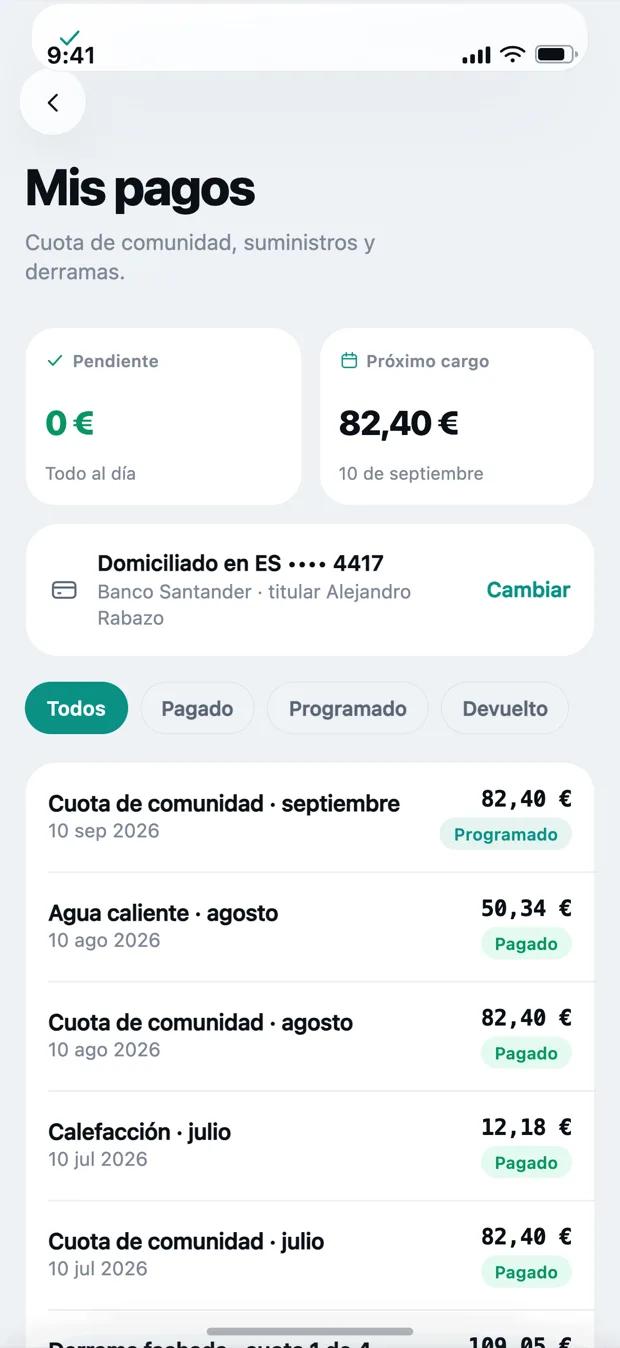
No extra password to remember.
You get in with Face ID or your phone’s passcode. Nobody should have to invent one more password to look at their water bill.
- Face ID or Touch ID to open the app.
- Your home is linked once, with your management.
- If you have two homes, you switch between them without leaving.
About the app
When will it be on the App Store?
The app is finished and in testing. We do not give a public date because a date you miss is worse than no date at all: if you request access, we will tell you the day you can install it.
And Android?
It comes after. If your building needs it to get started, tell us, because that changes the order of things.
Does it work on iPad?
The first version is built for the phone, which is where this gets looked at. It installs on iPad but it is not optimised.
Does it need internet?
Yes, to refresh. The last thing you saw is cached, but Kovva shows figures that change: we would rather you see that something is out of date than see an old number dressed up as a new one.
We will tell you when you can install it.
Tell us which building it is and who manages it. No strings attached.